Most freelancers don’t lose money because they charge too little. They lose it because they can’t see where it’s going.
An invoice goes out. A payment comes in. Then somewhere between a client lunch, a software subscription, a home office deduction, and a quarterly tax payment, the numbers stop making sense. By the time a freelancer sits down to file taxes or review their margins, months of disorganized data have already made the job harder than it needed to be.
Expense tracking isn’t a back-office chore. For a freelancer, it’s a direct line to understanding how profitable the work actually is — and whether the business is growing or quietly bleeding.
This guide explains what expense management tools actually do, how they fit into a real freelance workflow, and how to choose one based on your actual situation.
Why This Decision Affects More Than Your Bookkeeping
Freelancers operate without the financial infrastructure that employees take for granted. There’s no payroll department calculating withholding. No finance team reconciling accounts at month-end. Everything falls on one person.
When expenses aren’t tracked in real time:
- You underestimate deductible costs and overpay taxes.
- Cash flow surprises become common.
- Tax season becomes reconstruction instead of reporting.
- Profit margins feel unclear.
A well-chosen expense management tool doesn’t just organize receipts. It changes how you see your business. You understand your real hourly rate. You know which clients are truly profitable. You stop guessing at your tax liability.
What Expense Management Tools Actually Do For Freelancers
Receipt Capture and Categorization
Modern tools allow you to photograph receipts and automatically extract vendor, amount, and date using OCR technology.

Higher-quality platforms learn your spending patterns. That means recurring software charges categorize correctly without constant manual correction.
For freelancers submitting 20–40 expenses per month, improved automation saves meaningful time over a year.
Mileage and Travel Tracking
If you meet clients or attend events, mileage deductions add up quickly. At current IRS rates, 1,000 business miles can represent hundreds in deductions.
Look for automatic GPS-based tracking rather than manual entry. Manual logging leads to underreporting.
Tax Category Alignment
Freelancers need expenses mapped to Schedule C categories — not simply labeled “business.” Proper alignment reduces accountant cleanup time and improves filing accuracy.
Reporting and Cash Flow Visibility
Monthly reports reveal spending trends, subscription creep, and project-level profitability shifts. This visibility supports better pricing and forecasting decisions.
A Real-World Freelance Scenario With Numbers
Consider a freelance graphic designer earning $6,500 per month in gross income — or $78,000 annually.
Without organized tracking:
- Estimated expenses: $4,000
- Taxable income: ~$61,000
- Estimated taxes: ~$13,500
With proper tracking:
- Actual expenses discovered: $9,200
- Taxable income: ~$55,800
- Estimated taxes: ~$11,800
That’s roughly $1,700 saved — simply from accurate documentation.
Over five years, that gap compounds significantly.
Choosing the Right Tool: Practical Decision Guidance
If You’re Starting Out and Keeping Costs Low
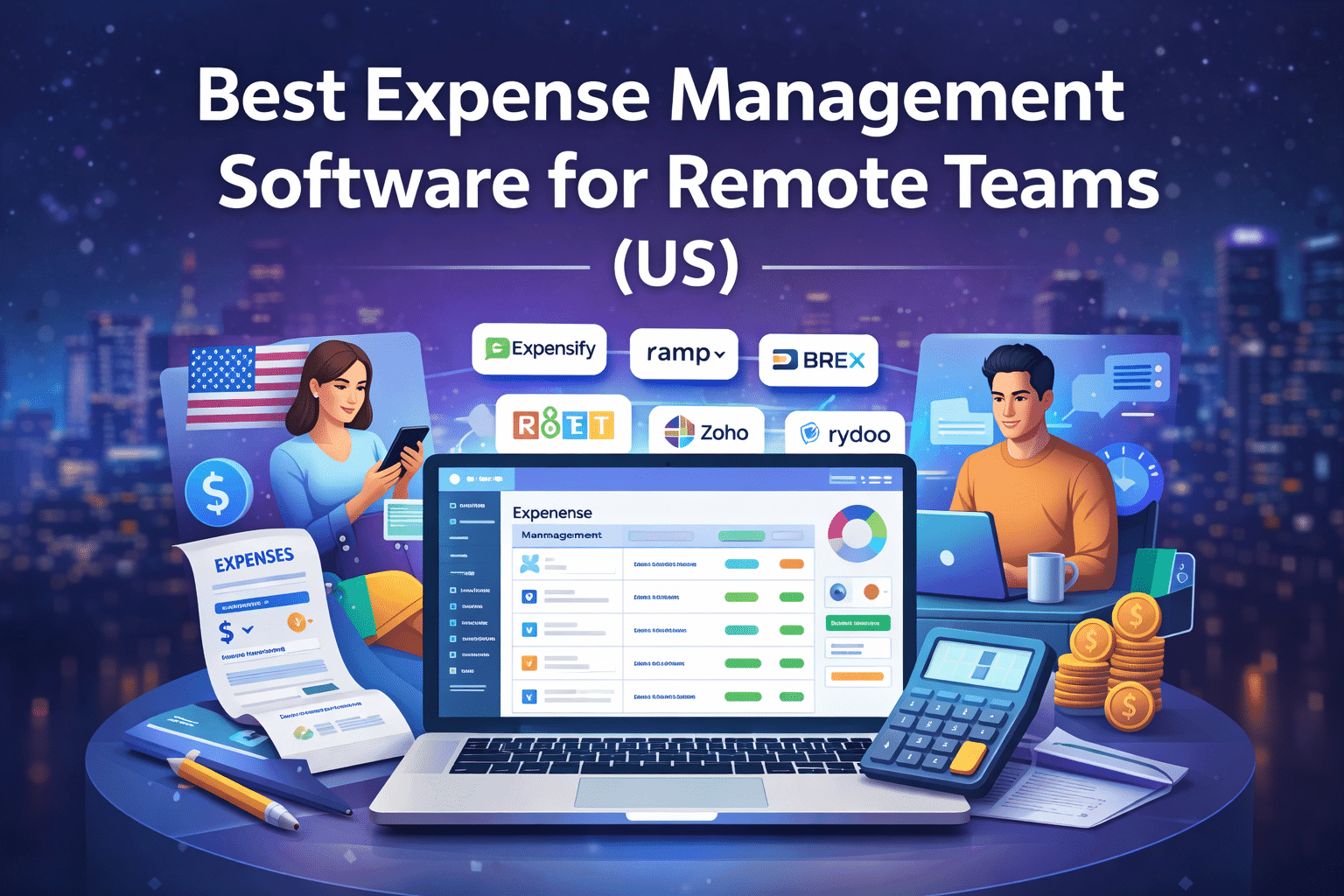
Zoho Expense offers a functional free tier and straightforward setup. It’s ideal for solo freelancers with moderate monthly expenses.
If You Want Deep Automation and Accounting Integration
Expensify provides strong receipt processing and accounting integrations. It works well if you already use QuickBooks or Xero.
If You Want Spend Control Alongside Tracking
Ramp and Brex combine expense tracking with corporate card controls, real-time dashboards, and spending limits. This suits freelancers managing contractors or small teams.
If You Work Internationally
Rydoo handles multi-currency tracking and compliance more robustly than basic tools.
Common Mistakes Freelancers Make With Expense Tracking
- Waiting until tax season. Monthly reconciliation is far easier than annual reconstruction.
- Mixing personal and business spending. Separation simplifies tracking and audits.
- Ignoring small subscriptions. Minor recurring costs compound over time.
- Tracking expenses without income context. Expenses make sense only when viewed alongside revenue.
- Overcomplicating too early. Choose tools that match your actual workflow.
Expense Management Software Comparison for Freelancers
| Platform | Best Fit | Standout Feature | Free Tier | Accounting Integration |
|---|---|---|---|---|
| Expensify | Solo to small teams | SmartScan automation | Limited | QuickBooks, Xero |
| Ramp | Managing spend | Corporate cards + controls | No | Strong integrations |
| Brex | Growing teams | Integrated cards + reporting | No | Broad support |
| Zoho Expense | Budget-conscious freelancers | Affordable tracking | Yes | Zoho Books, QuickBooks |
| Rydoo | International work | Multi-currency support | No | Xero, SAP |
FAQs
What expense tracking software works best for self-employed freelancers?
Expensify and Zoho Expense are practical starting points for most freelancers due to their balance of automation and ease of use.
Can expense tracking reduce my tax bill?
It doesn’t reduce taxes directly, but it ensures every legitimate deduction is documented and claimed.
How should freelancers organize expenses for Schedule C?
Align expense categories with IRS Schedule C line items from the start — advertising, travel, meals, software, home office, and professional services.
Is paid expense tracking worth it?
For freelancers earning over $40,000 annually, the deductions and time saved typically outweigh subscription costs.
What’s the difference between expense tracking and accounting software?
Expense tracking records spending. Accounting software handles invoicing, profit and loss, and tax reporting. Many freelancers use both together.
Where to Go From Here
Pick a tool that matches your current expense volume and integrates with your accounting system.
Commit to one month of consistent tracking. Review the data. Adjust your pricing or spending based on what you discover.
The numbers are already there. A structured expense system simply makes them visible — and visibility changes how you run your business.