Most freelancers don’t think about accounting software until something goes wrong. A client payment disappears into a murky spreadsheet. Tax season arrives and three months of expenses are unrecorded. A quarterly estimated payment gets missed because cash flow was never tracked in real time.
These aren’t rare situations. They’re the default outcome when freelancers run their finances on makeshift systems — a mix of spreadsheets, email threads, and mental math that works fine at low volume and quietly falls apart as income grows.
The decision about which accounting software to use isn’t just an administrative choice. It directly shapes how accurately you price your services, how confidently you estimate quarterly taxes, and how clearly you understand whether your business is actually profitable month to month.
This guide is written specifically for freelancers — not small business owners with payroll teams, not startup founders with CFOs. If you’re billing clients, managing variable income, tracking deductions, and doing it mostly alone, this is for you.
Why This Decision Affects More Than Just Your Bookkeeping
Freelancers have a fundamentally different financial structure than traditional employees or even product-based businesses. Your income is irregular. Your expenses blur between personal and professional. Your tax obligations — self-employment tax, quarterly estimated payments, deductible business costs — require a level of real-time awareness that a once-a-year spreadsheet review simply can’t support.
When your accounting system is weak, the consequences are specific and expensive. You underestimate taxes and face penalties. You miss deductible expenses and overpay the IRS. You misread your cash flow and take on new expenses during a slow billing cycle. You hand your CPA a pile of disorganized records and pay extra for the cleanup.
Good accounting software doesn’t solve all of this automatically. But it creates a system where the data you need is always organized, always current, and always accessible — which means your financial decisions are based on reality rather than estimates.
What Freelancers Actually Need From Accounting Software
Before comparing platforms, it’s worth being precise about what the job actually requires at the freelance level.
Income and Invoice Tracking
You need to know what you’ve invoiced, what’s been paid, and what’s outstanding — at any point in time. Platforms that handle invoicing inside the same system as bookkeeping eliminate a major source of data gaps. When a payment is received, it should flow directly into your income records without a manual entry step.
Expense Categorization
Every purchase needs to land in the right category — software subscriptions, home office, professional development, travel, equipment. The quality of your tax deductions depends entirely on how consistently this happens throughout the year, not how carefully you reconstruct it in March.
Bank and Card Reconciliation
Reconciliation is the process of confirming that your accounting records match your actual bank and credit card statements. Without this, errors compound silently. A good platform connects to your accounts, pulls transactions automatically, and makes reconciliation a routine task rather than a quarterly panic.
Tax Estimation Support
Freelancers are required to pay estimated taxes quarterly. Missing these payments or underpaying them results in penalties. Accounting software that tracks self-employment income in real time and helps you estimate what you’ll owe — even roughly — is significantly more valuable than one that only organizes the past.
CPA Compatibility
Even if you prepare your own taxes, many freelancers eventually work with a CPA for at least a portion of their filing. Software that produces clean reports, uses standard chart of accounts formats, and allows accountant access without full data handoffs saves time and reduces professional fees.
A Real-World Freelance Financial Scenario
Consider a freelance UX designer billing an average of $8,500 per month across three to four clients. Monthly expenses run approximately $1,100 — software tools, a co-working space membership, professional subscriptions, and occasional equipment purchases.
Gross annual income: approximately $102,000. After deducting $13,200 in business expenses, net profit sits around $88,800. Self-employment tax on that figure runs roughly $12,500. Federal income tax, depending on filing status and other deductions, could add another $12,000 to $16,000.
That’s a combined tax obligation somewhere between $24,500 and $28,500 for the year — or roughly $6,100 to $7,100 per quarter.
Without real-time tracking, that number is invisible until tax time. With accounting software that categorizes income and expenses as they occur, that quarterly obligation becomes a number the designer sees and plans around every month. The difference isn’t just organizational. It’s the difference between a tax bill that’s expected and one that requires emergency borrowing.
How to Actually Choose: Decision Guidance for Freelancers
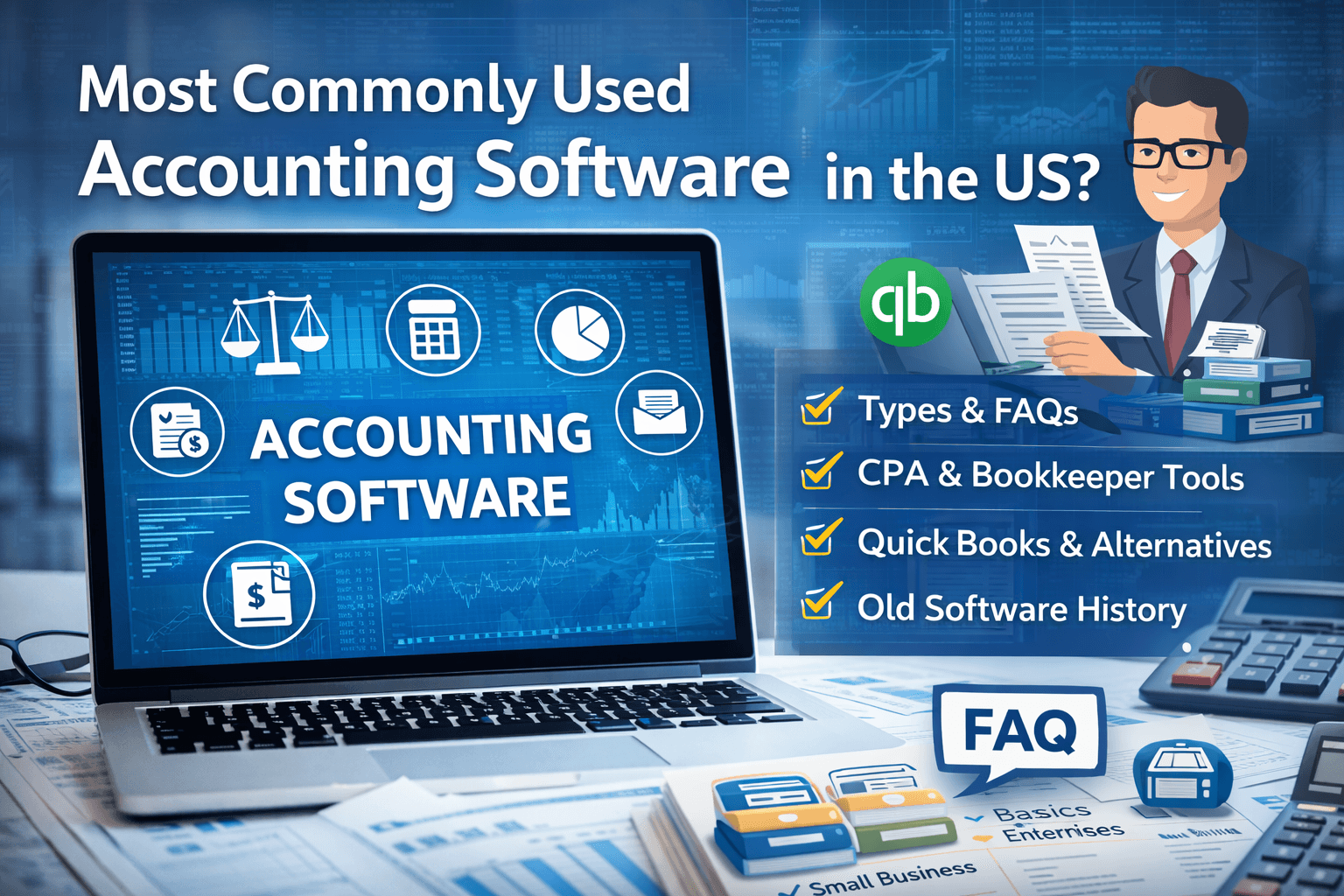
The most widely used accounting software in the US freelance and small business market is QuickBooks, and its prevalence exists for a reason. It’s deeply integrated into CPA workflows, it handles the full accounting cycle cleanly, and its reporting is reliable. For freelancers who work closely with an accountant or anticipate scaling into a more complex business structure, it’s a stable choice.
That said, QuickBooks is built for a broader market than solo freelancers, and some of its complexity can work against you if your needs are simple. If you’re invoicing fewer than ten clients, tracking straightforward expenses, and doing most of your own bookkeeping, a platform with a lighter interface and lower cost may serve you better without sacrificing accuracy.
The honest framework for choosing is this: match the complexity of the software to the complexity of your business — not to where you hope your business will be in three years. You can always upgrade. What’s harder to undo is spending six months learning a system that’s more than you need, or paying for features you never use while ignoring the ones that would actually help.

Common Mistakes Freelancers Make With Accounting Software
Choosing based on price alone. Free or very low-cost tools often omit reconciliation, proper reporting, or tax support — the exact features that matter most when money gets complicated.
Setting it up and walking away. Accounting software requires consistent data entry to function. Monthly reconciliation and regular expense categorization aren’t optional maintenance tasks. They’re how the system stays accurate.
Mixing personal and business finances. No software can cleanly separate commingled transactions. Before any accounting system can work properly, freelancers need a dedicated business bank account and a separate business card.
Ignoring the reports. Most freelancers use accounting software only for invoicing and miss the profit and loss statements, cash flow summaries, and expense breakdowns that make the data genuinely useful for decisions.
Waiting until tax season to care. The value of accounting software compounds across the year. A system started in October for the purpose of surviving April is a reactive tool. A system maintained from January is a planning tool.
Platform Comparison: Core Features for Freelancers
| Feature | QuickBooks Self-Employed | QuickBooks Online Simple Start | FreshBooks | Wave |
|---|---|---|---|---|
| Invoicing | Basic | Full | Full | Full |
| Expense Tracking | Yes | Yes | Yes | Yes |
| Bank Reconciliation | Limited | Yes | Yes | Yes |
| Tax Estimation Support | Yes | Partial | No | No |
| CPA Access | Limited | Yes | Yes | Yes |
| Reporting Depth | Basic | Strong | Moderate | Moderate |
| Best For | Solo, simple | Growing freelancers | Service businesses | Budget-focused |
This table reflects feature categories rather than absolute rankings. Specific capabilities within each platform change with product updates, so verifying current feature availability directly with each provider is recommended before committing.
Frequently Asked Questions
Do freelancers really need accounting software, or will a spreadsheet work?
Spreadsheets work at very low volume, but they have no reconciliation, no automatic bank feeds, and no built-in reporting. As income and transaction volume grow, the manual upkeep on spreadsheets becomes both time-consuming and error-prone. Accounting software creates a system that scales with you.
What accounting software do most CPAs prefer their freelance clients to use?
Many CPAs are most comfortable with QuickBooks because of its widespread adoption and standardized reporting formats. That said, most professionals can work with any platform that produces clean reports and allows accountant access. The more important factor is that your records are current and organized.
Is separate accounting software necessary if I already use a payment platform like Stripe or PayPal?
Payment platforms record transactions but don’t function as accounting systems. They don’t categorize expenses, produce profit and loss statements, support reconciliation, or help you estimate taxes. They’re one input into a complete system — not a replacement for it.
When should a freelancer start using accounting software?
The practical answer is as soon as you have regular client income. The earlier the system is in place, the more complete your historical records will be — and the less reconstructive work you’ll face at the end of the year.
How much should a freelancer expect to pay for accounting software?
Costs vary widely, from free tiers with limited features to $30–$50 per month for full-featured platforms. For most independent freelancers, a mid-range subscription that includes reconciliation, invoicing, and reporting is a reasonable and recoverable business expense.
The Practical Next Step
The right accounting software for your freelance business is not the one with the most features or the highest name recognition. It’s the one you’ll actually use consistently, that fits the real complexity of your finances, and that gives you accurate data when you need to make decisions.
Start by assessing where your current system breaks down. Is it invoicing? Tax estimation? Expense tracking? Reconciliation? Identify the specific gap, then evaluate platforms against that problem rather than against a generic feature list.
Set up a dedicated business bank account if you don’t have one. Connect it to whichever platform you choose. Commit to a monthly reconciliation habit. Review your profit and loss statement at the end of each month.
That process — more than any specific software brand — is what keeps your freelance business financially healthy.