If you’re freelancing in the US, there’s a stage where spreadsheets quietly stop being enough.
In the beginning, everything feels simple. A couple of clients. A few invoices. Payments coming through PayPal or bank transfer. You track expenses in a sheet and tell yourself you’ll “organize it properly later.”
Then income grows.
You add monthly retainers. Maybe a subcontractor. Software subscriptions pile up. Tax season approaches. Suddenly you’re scrolling through bank statements asking:
- Did this client pay last month?
- How much profit did I actually make?
- Am I setting aside enough for quarterly taxes?
- Why doesn’t this number match my bank balance?
This is where most freelancers realize something important:
Your accounting system is no longer optional.
And that’s when the real question appears:
Should I use QuickBooks or FreshBooks?

Both are popular. Both are trusted. But they are built with different priorities in mind. Choosing correctly can save you hours every month and prevent tax stress. Choosing poorly won’t ruin your business — but it can slow you down and force you to switch later.
Let’s break this down in a practical, freelancer-first way — not just a feature checklist.
Why This Choice Matters for Freelancers (More Than for Small Businesses)
If you run a company with a finance team, accounting software is a department tool.
If you’re a freelancer, it’s your personal money control system.
You are:
- The sales team
- The operations manager
- The accountant
- The tax planner
Your accounting software becomes your:
- Income tracking dashboard
- Invoice automation system
- Expense categorization engine
- Profit visibility report
- Tax preparation foundation
The wrong tool creates friction in your weekly workflow. The right tool becomes invisible — it just works.
How Freelancers Accidentally Choose the Wrong Tool
1. They Choose Based on Price Alone
Saving $15 per month sounds smart — until switching platforms later costs days of data cleanup and CPA corrections.
2. They Assume Their Business Will Stay “Simple”
Freelancers often underestimate how quickly income complexity grows. Retainers, milestone payments, contractors, digital products — things evolve.
3. They Ignore Reporting Needs
Basic income tracking feels fine — until quarterly tax estimates become guesswork.
Now let’s compare properly.
Step-by-Step Comparison for Freelancers
1. Ease of Setup and Learning Curve
FreshBooks is designed to feel light and accessible.
- Clean, simple dashboard
- Minimal accounting terminology
- Strong focus on invoicing
- Quick setup (often under 30 minutes)
If you’re new to accounting software, FreshBooks feels comfortable immediately.
QuickBooks Online is more structured and traditional.
- Uses proper accounting terminology
- More detailed reporting options
- Greater customization
- Requires basic bookkeeping understanding
Setup takes longer. But that structure becomes valuable as income grows.
Practical Insight:
If you feel overwhelmed by accounting language, FreshBooks lowers the barrier. If you’re comfortable learning basic financial reports, QuickBooks gives deeper control.
2. Invoicing Workflow and Getting Paid
For freelancers, invoicing speed directly impacts cash flow.
FreshBooks excels at:
- Professional invoice templates
- Automatic late payment reminders
- Built-in time tracking linked to invoices
- Recurring billing for retainers
- Deposit requests
If you bill hourly or use monthly retainers, FreshBooks integrates billing smoothly into your daily work.
QuickBooks provides:
- Strong recurring invoices
- Custom fields
- Payment integrations
It works well — but feels more accounting-driven than invoice-driven.
Verdict: For service-heavy freelancers focused on billing efficiency, FreshBooks feels more natural.
3. Financial Reporting and Profit Visibility
This is where the biggest difference appears.
QuickBooks provides:
- Full double-entry accounting
- Profit & Loss reports
- Balance sheets
- Cash flow statements
- Detailed expense categories
- CPA-ready exports
FreshBooks provides:
- Income summaries
- Expense tracking
- Basic reporting
If your freelance income is straightforward and you mainly need clarity on earnings and expenses, FreshBooks works well.
If you want:
- Monthly profit reviews
- Clear financial statements
- Tax planning accuracy
- Long-term business structure
QuickBooks becomes stronger.
4. Taxes and CPA Collaboration
Most US accountants are highly familiar with QuickBooks.
This matters when:
- Preparing year-end filings
- Calculating quarterly estimated taxes
- Sharing reports with a CPA
FreshBooks works well for simple Schedule C freelancers. But if you form an LLC, elect S-Corp status, or hire contractors, QuickBooks offers more detailed tracking.
Real-World Scenario: $6,000 Monthly Freelancer
You earn:

- 5 clients
- $1,200 monthly retainer each
- $6,000 revenue
- $1,200 expenses
Using FreshBooks
- Recurring invoices auto-send
- Time tracking flows into billing
- Expense tracking remains simple
- Basic income reports reviewed monthly
Weekly admin time: ~1–2 hours
Best for: Staying lean and focused on delivery
Using QuickBooks
- Expenses categorized precisely
- Monthly Profit & Loss reviewed
- Quarterly tax estimates calculated
- Contractor payments tracked clearly
Weekly admin time: ~2–3 hours initially
Best for: Structured financial growth
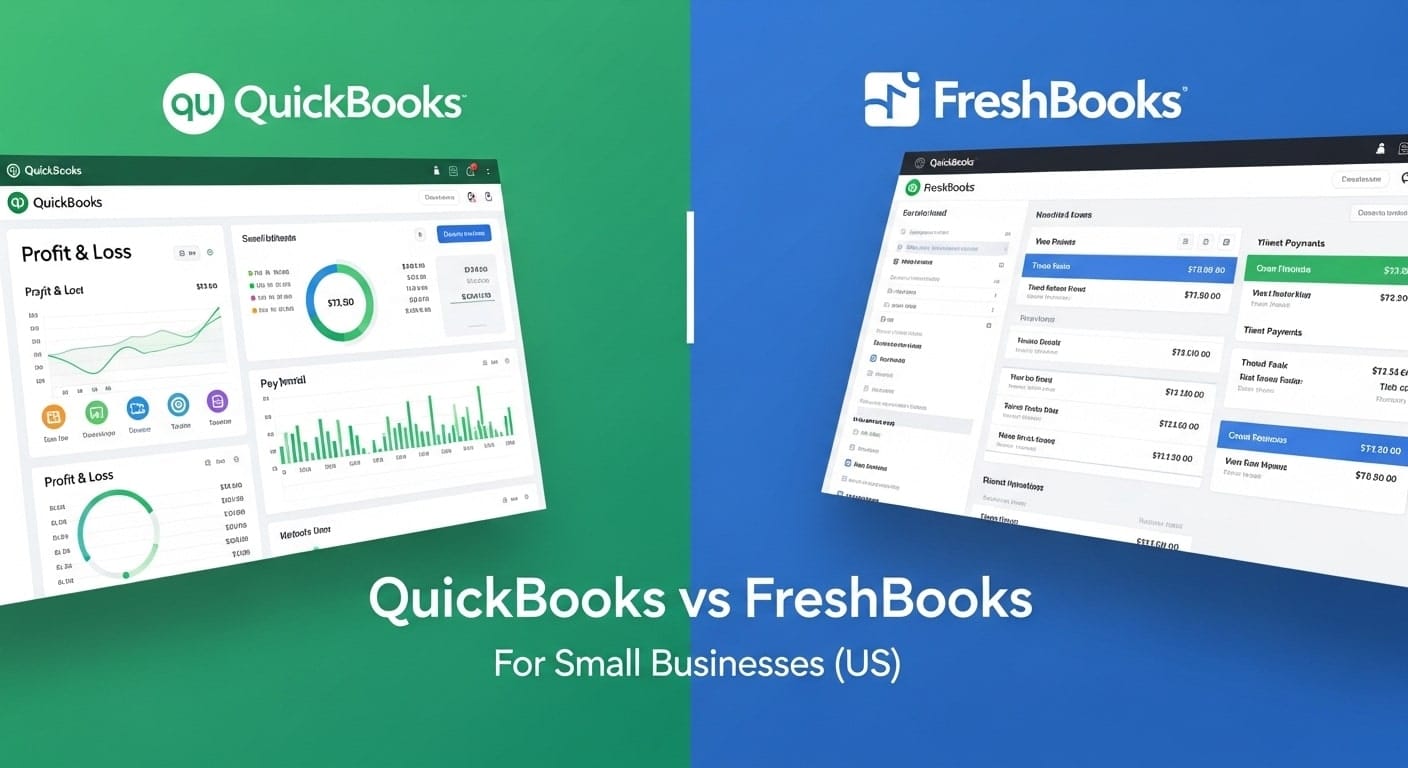
QuickBooks vs FreshBooks Comparison Table
| Feature | QuickBooks | FreshBooks |
|---|---|---|
| Best For | Scaling freelancers & small agencies | Solo service freelancers |
| Accounting Depth | Full double-entry system | Simplified income tracking |
| Invoicing Experience | Advanced but structured | Highly intuitive |
| Tax Reporting | Comprehensive | Basic |
| CPA Compatibility | High | Moderate |
| Scalability | High | Moderate |
Frequently Asked Questions
Is QuickBooks too complex for freelancers?
Not necessarily. It requires a short learning phase, but many freelancers appreciate the deeper reporting once income grows.
Is FreshBooks enough for six-figure freelancers?
Yes, if the business structure remains simple. For multi-revenue or contractor-heavy setups, QuickBooks may offer better visibility.
Which tool helps more with quarterly estimated taxes?
QuickBooks provides more detailed financial reports, making tax estimation clearer.
Can I start with FreshBooks and move later?
Yes, but migration takes time. Choosing based on long-term plans reduces switching friction.
Which do accountants prefer?
Most US CPAs are more accustomed to QuickBooks reporting formats.
Final Verdict: Choose Based on the Business You’re Building
If you’re earning under $5,000 per month, working solo, and focused primarily on client service — FreshBooks offers simplicity and speed.
If you’re planning to hire contractors, scale beyond solo work, form a formal business structure, or want deeper financial insight — QuickBooks provides stronger long-term control.
Don’t choose based on today’s workload alone.
Choose based on where your freelance business will be in two years.
Your accounting software is not just an expense.
It’s the backbone of your freelance money system.